HDS supplies aged care food service software for dietary and menu management, alongside dedicated systems for food safety and for cleaning and housekeeping.

Explore each solution below, then see how they connect with clinical systems and how resident data is protected.

HDS
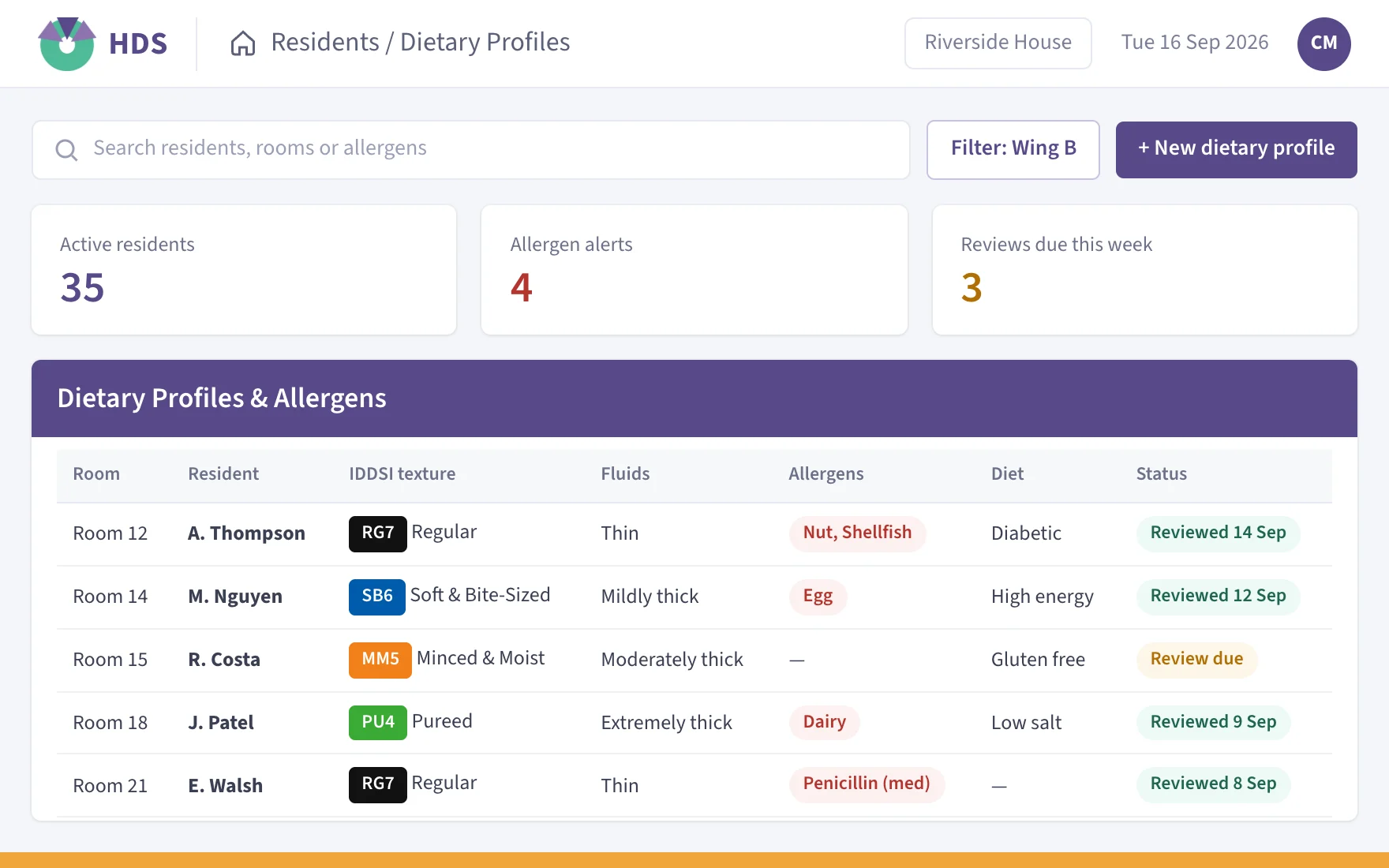
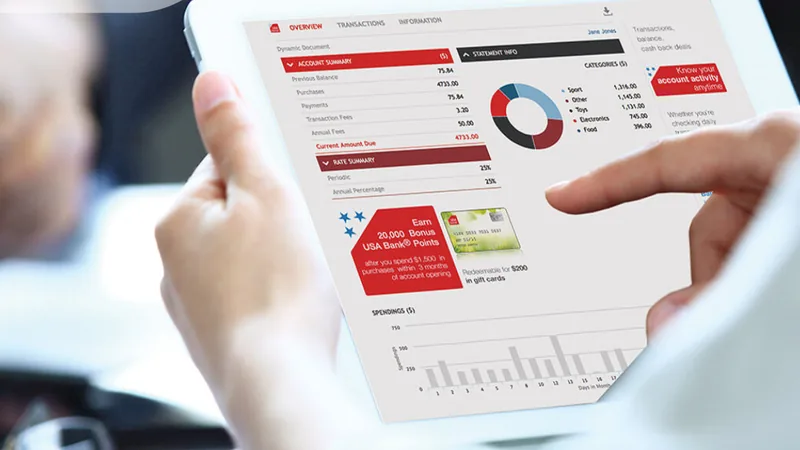
HDS dietary profiles and allergens screen
  • Allergen alerts on every resident profile
  • Automatic notifications for diet changes
  • Production numbers generated for you

Screens shown for reference only. Actual interface may differ.

One Supplier for Dietary, Food Safety and Cleaning

Good aged care food service relies on accurate information moving between teams. Resident diets, texture levels and allergens need to reach the kitchen promptly, food has to be stored and served at safe temperatures, and kitchens and rooms need cleaning that is scheduled and signed off. HDS supplies a dedicated system for each of these jobs.

Every solution is configured around your organisation’s approved workflows and supported by the same Australian team, 365 days a year. You deal with one supplier for setup, training and ongoing support, whichever solutions your homes use.

One Stop Shop

Three Comprehensive Solutions
DietaryFood SafetyCleaning
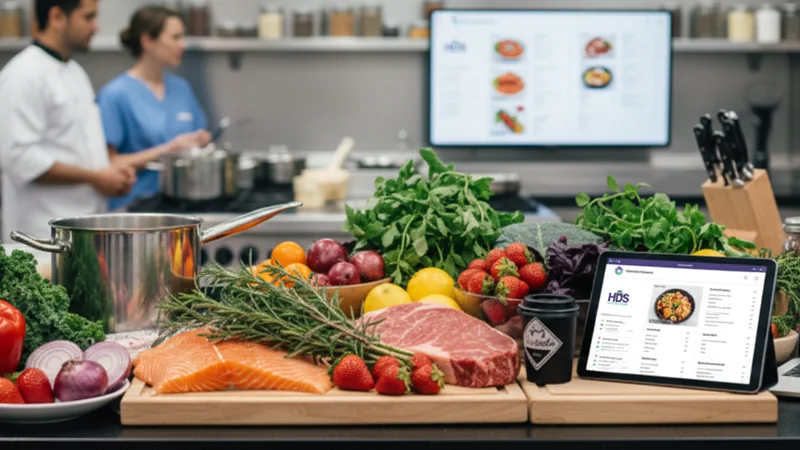
A care home kitchen bench with fresh ingredients and a tablet
HDS

Dietary & Menu Management

Resident diet profiles, IDDSI texture levels, meal choices and production numbers, kept live for kitchen and care.

Explore HDS


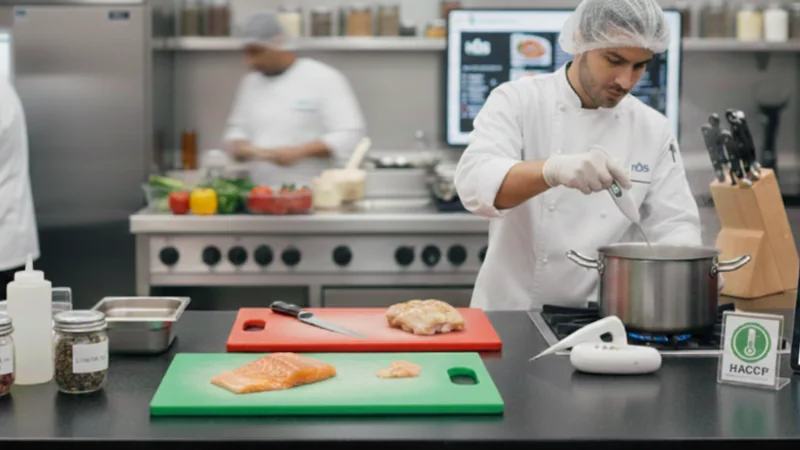
Kitchen staff in gloves at a food safety station
iMonitor Australia

Food Safety

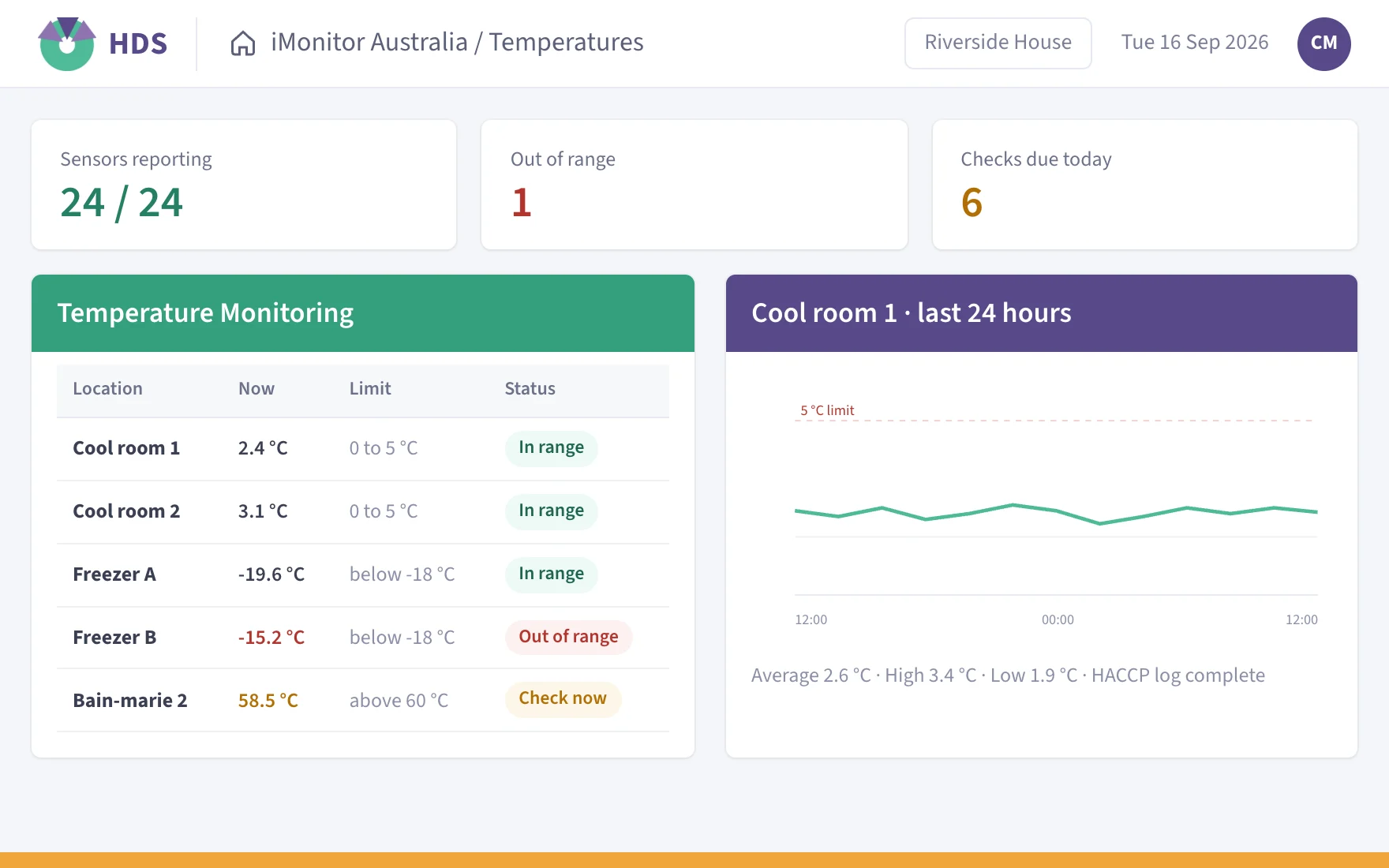
WiFi temperature sensors, a Bluetooth meal probe and digitally signed records in place of paper food safety logs.

Explore iMonitor Australia
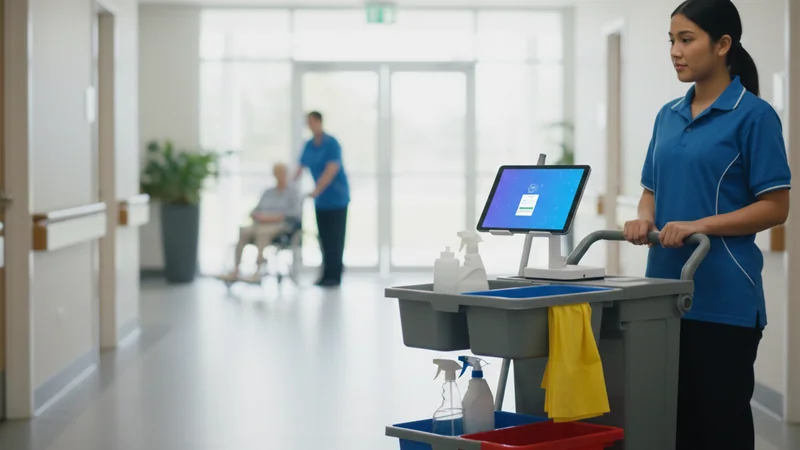
A housekeeper with a cleaning trolley in a care home corridor
HCSPRO

Cleaning & Housekeeping

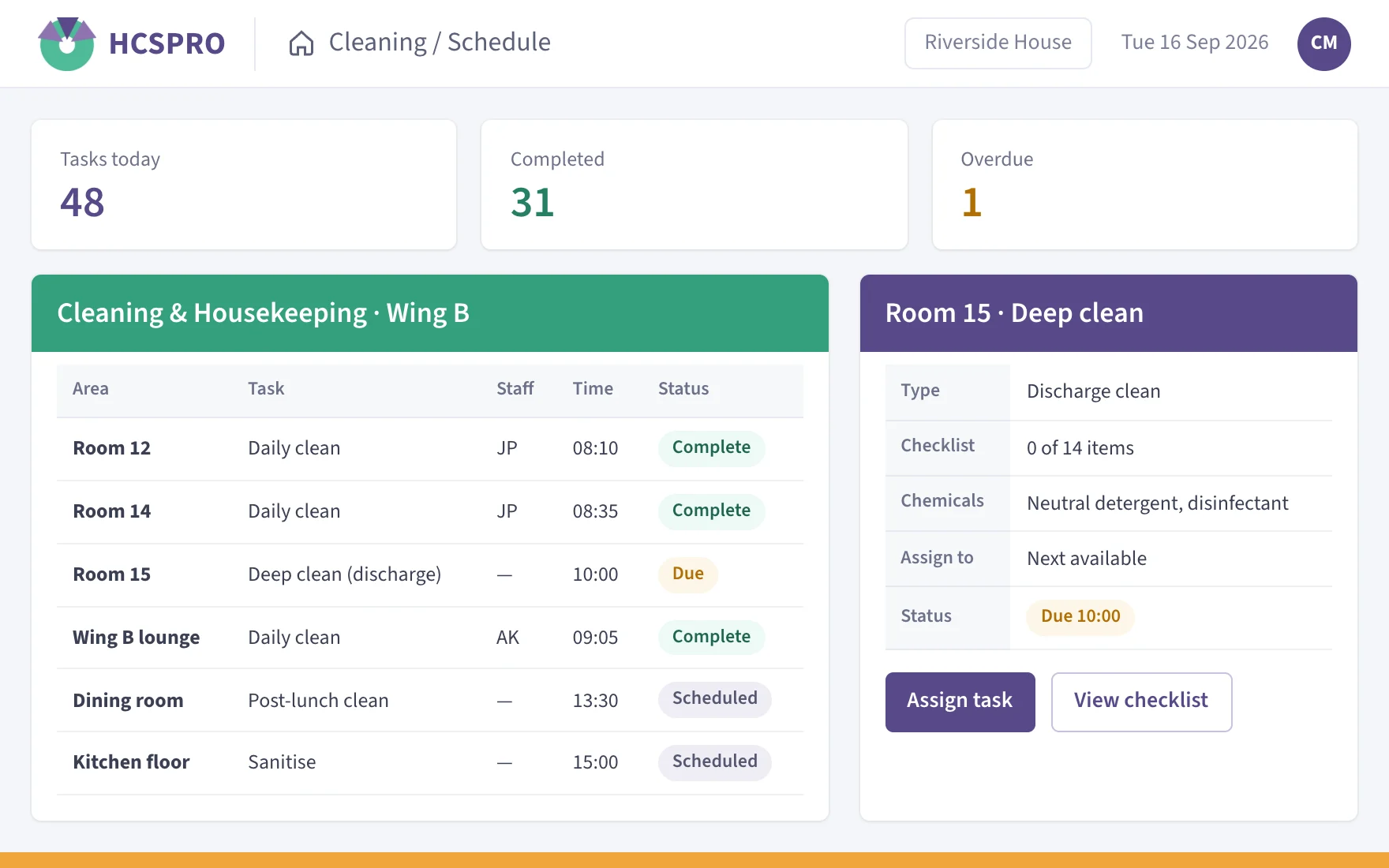
Allocated duties, digital sign-off, maintenance requests and cleaning audits, with a live view for supervisors.

Explore HCSPRO


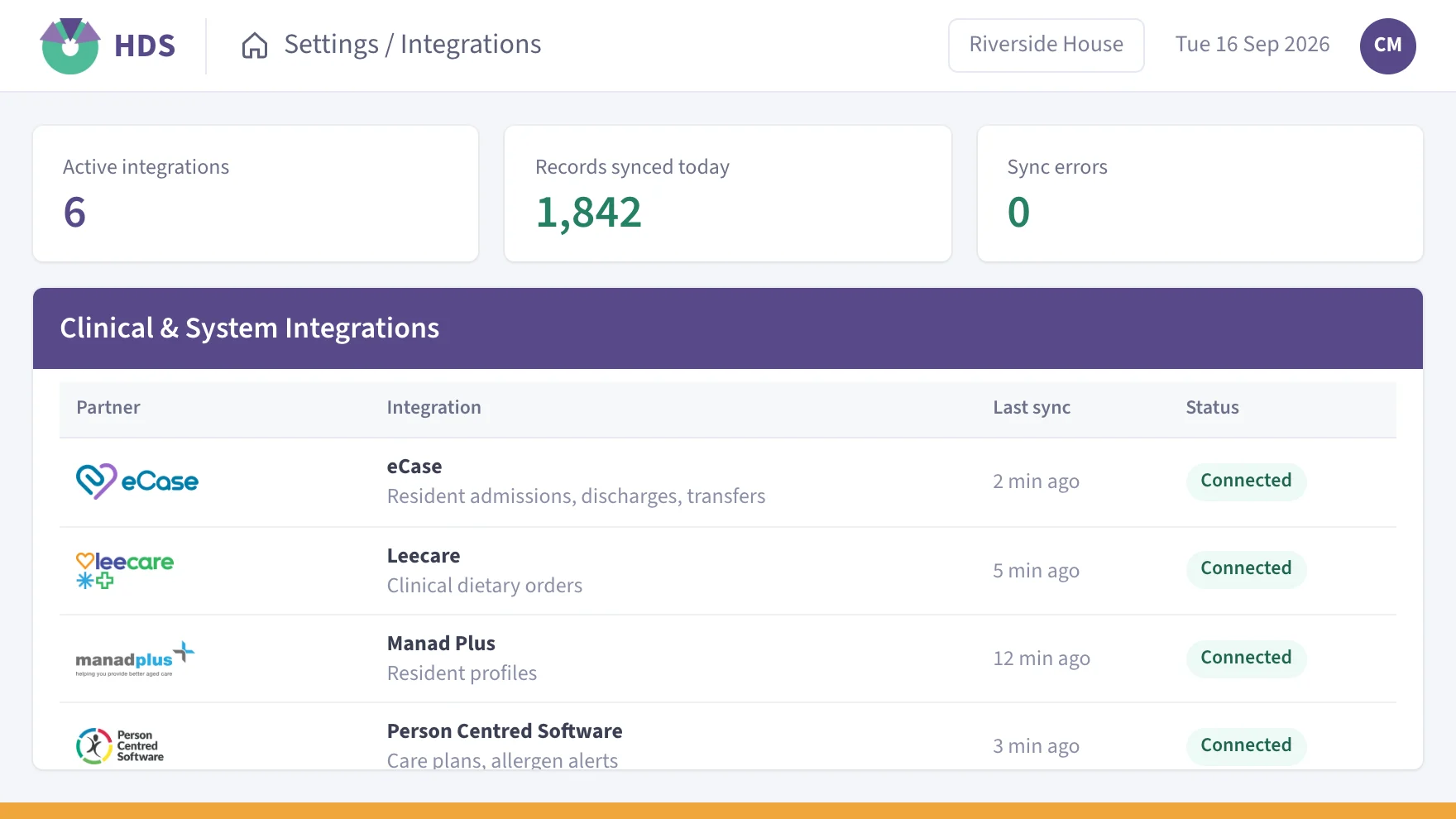
Clinical Integrations

HDS connects with most major clinical care platforms. When a nurse or carer updates a resident’s diet in the clinical record, the change can reach HDS without anyone typing it twice, and catering works from the same information as care.

We work closely with your organisation and your clinical system provider to set up each integration.

HDS
  • Automatic notifications for diet changes
  • Allergen alerts for residents at risk

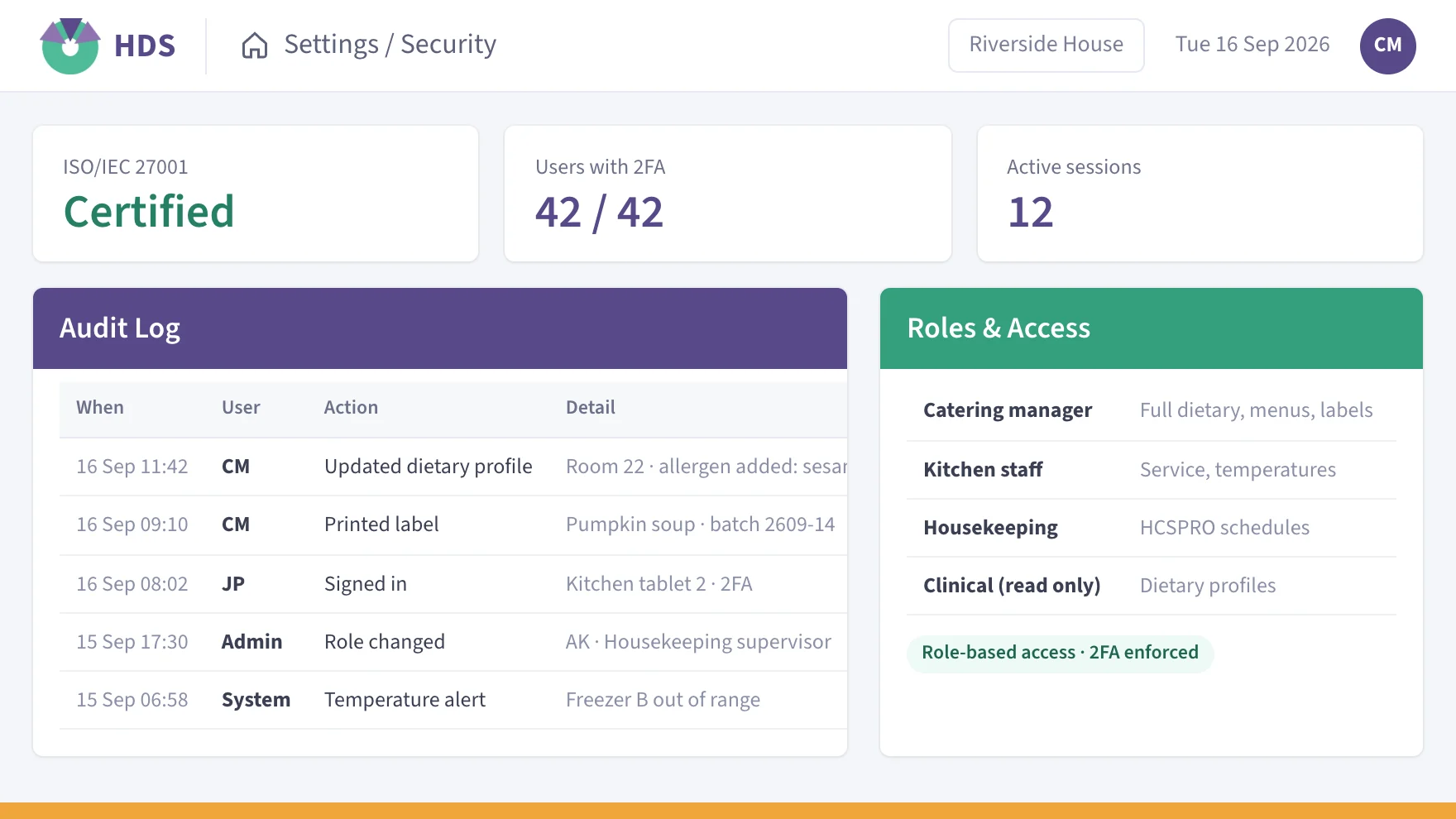
Resident Data, Protected to ISO 27001

Our ISMS is certified to ISO/IEC 27001, supporting secure handling of client and resident-related information.

ISO 27001 certified

Trusted Across Australian Aged Care

Lutheran Homes GroupSpotless, a Downer CompanyMiCareBasscareThe Good Shepherd HomeAberlea Inc. MortlakeBuckland Aged Care ServicesDunbar Homes IncorporatedGoondeeWarrina HomesSPC Residential Aged CareAdventCareTanunda Lutheran Home Inc.Edgarley Assisted LivingCabriniWongaburraRoyal Freemasons’ Benevolent InstitutionAmber Aged CareSt. Anna’s Residential Care Facility

Questions About HDS Software

Common questions from catering, hotel services and quality managers comparing aged care food service software.

Can HDS integrate with clinical systems?

Yes. HDS integrates with most major clinical care platforms, so a dietary change recorded in the clinical system can flow through to HDS and on to the kitchen. We work with your organisation and your clinical system provider to set it up. See Clinical Integrations.

Yes. HDS holds ISO/IEC 27001 certification for its information security management system, and data sits in a secure Equinix facility, monitored around the clock and protected by AES-256 encryption. The Data Security & ISO 27001 page covers how resident information is handled.

Yes. iMonitor Australia can digitise your existing food safety forms, so your team keeps the format it already knows. We configure the system to match your current records and workflows. See Food Safety with iMonitor Australia.

Yes. HCSPRO schedules, workflows, task lists and reports are set up around the needs of each home. Schedules can be changed as often as you need, including from one day to the next. Read more about cleaning and housekeeping with HCSPRO.

Yes. Supervisors and managers see live progress on every task and schedule in HCSPRO, including what is complete, in progress and still outstanding. Email alerts flag incomplete jobs, and the time taken on each task can be compared against what was expected.

Help comes from our team in Australia, 7am–7pm AEST on every day of the year, by phone, by email or through the online support portal. That team looks after HDS, iMonitor Australia and HCSPRO alike, so staff have one number to call.

With HDS, it covers the resident information behind every meal: diet profiles, allergens, IDDSI texture levels, menu choices and production numbers. Kitchen reports update as soon as a profile changes. See Dietary & Menu Management.

Latest From the HDS Blog

Aged Care Technology09 Jul, 2019

How to improve the quality of aged care catering

Improving the quality of aged care catering comes down to a handful of levers that work together: menus shaped by residents, a kitchen team with the skills and time to cook well, diet information that is right on every plate, safe food handling, and honest measurement of what residents think and what they leave. Software […]

Read Now
Aged Care Technology29 May, 2019

Dietary management software for aged care: what it must handle and how to choose

Dietary management software for aged care has one job above all others: to make sure every resident’s current diet reaches the plate, every meal, whoever is cooking. A good system holds one live dietary profile per resident, checks each order against it, warns the kitchen the moment something changes, and keeps the records your home […]

Read Now
Nutrition & Compliance10 May, 2019

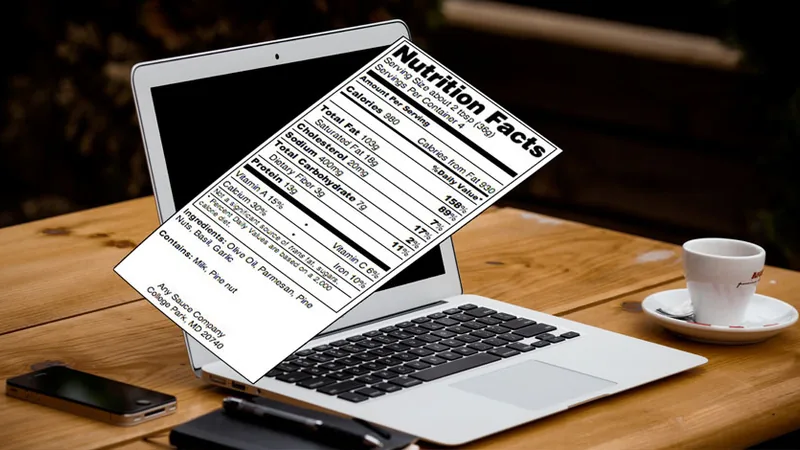
Create Nutritional Facts Panels with Nutrition Label Software

In today’s world of prepared and fast foods readily available it is very important that we ensure the relevant nutritional information is captured…

Read Now

Book a Personalised Demo for Your Organisation

Our team will take you through HDS with your sites, menus and workflows in mind, and answer any questions your organisation has along the way.

Request a Personalised Demo

"*" indicates required fields

This field is for validation purposes and should be left unchanged.
Let us know which solutions you would like to see and how your sites currently operate.